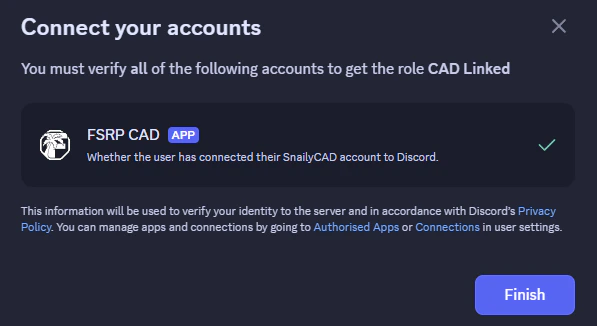
Upon logging in, you can link your account with the FSRP CAD Bot by following the steps below.
Step 1
Head on over to https://fsrpf-cad.tasg.dev and login with Discord.
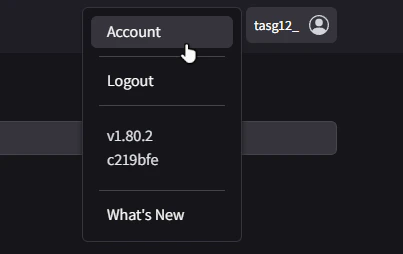
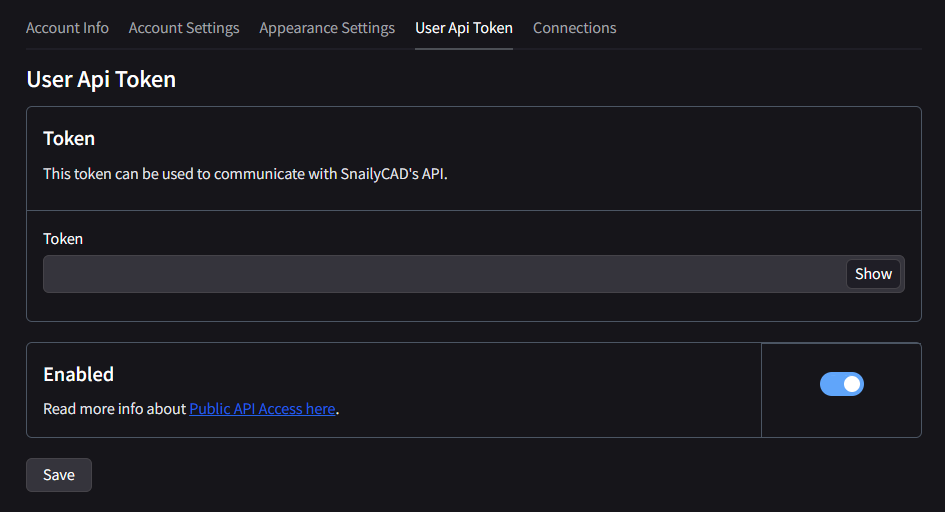
Step 4
After clicking Save, you will see your Token has been generated. Click Show and then copy the token.
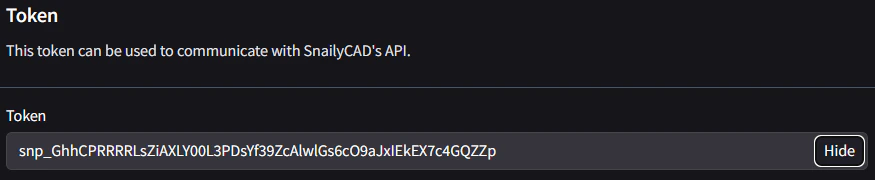
This token is sensitive and should be not be leaked to anyone. Leaking the token will allow anyone to impersonate you.
Step 5
Go over to the Discord Server and head to the #commands channel. Type in the commannd 
/user-config set and then paste in your token in the user-api-token field. Click enter and you will see a success message.