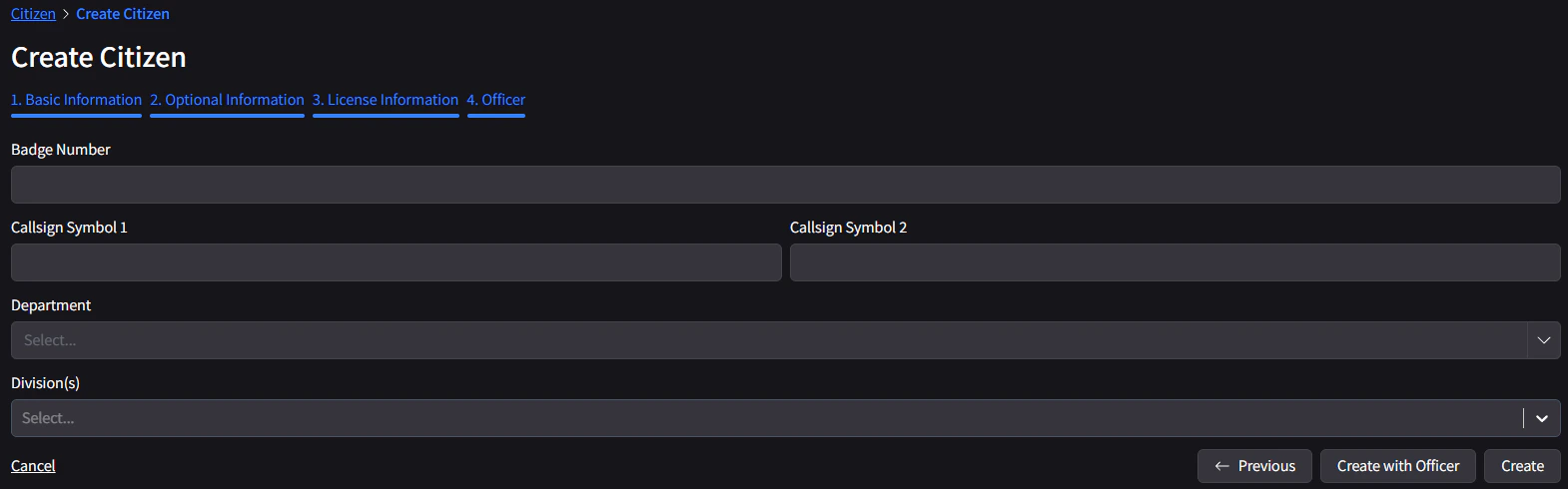
Upon logging in, you can create a civilian by following the steps below.
Step 1
Head on over to https://fsrpf-cad.tasg.dev and login with Discord.

Step 3
Head on over to the Civilian page. Click Create Civilian, and fill out all of the information. Make sure it’s accurate to your avatar, and you can upload an image if you wish. When you’re ready, click Next.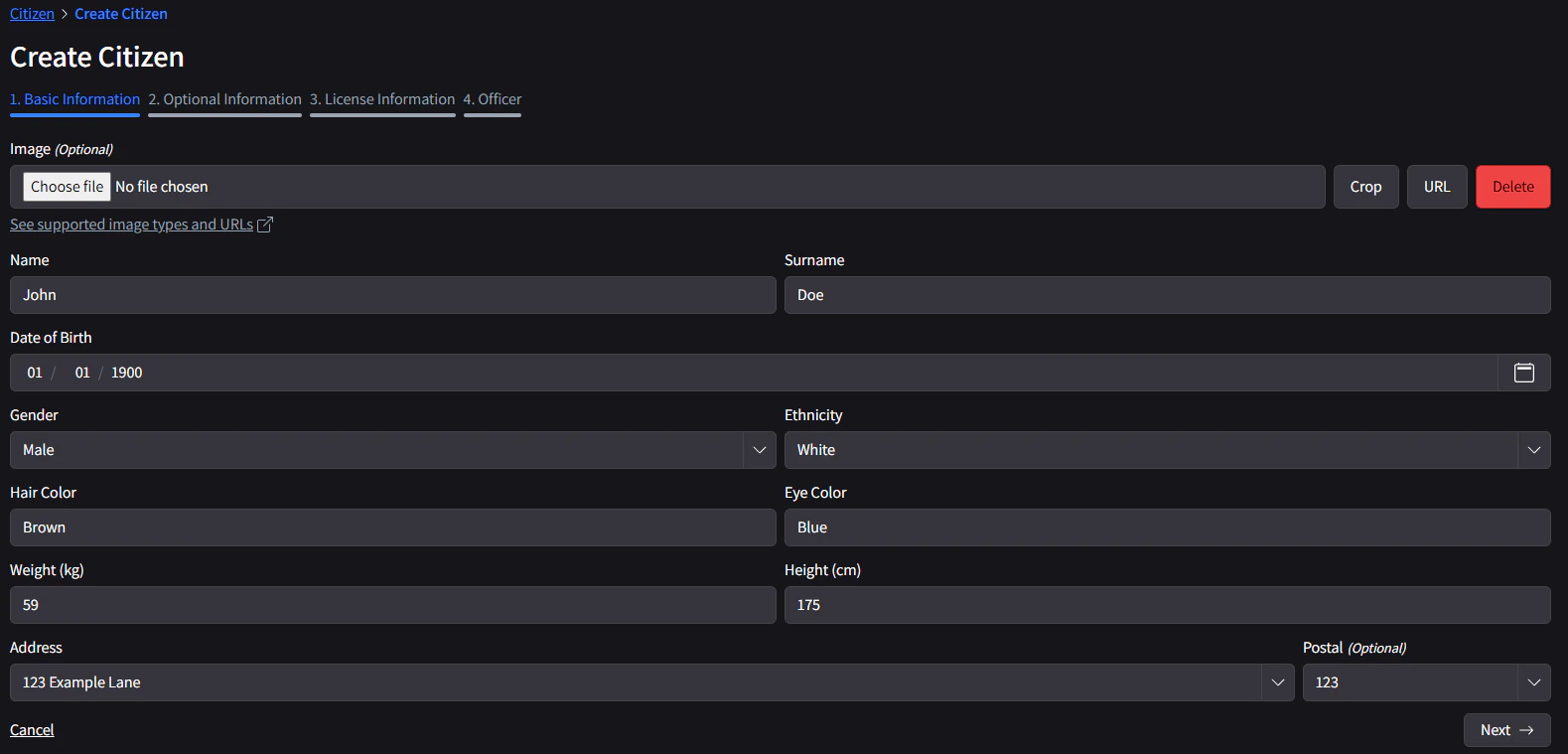
Step 4
Optionally, you can enter in some additional information about your civilian. When you’re ready, click Next.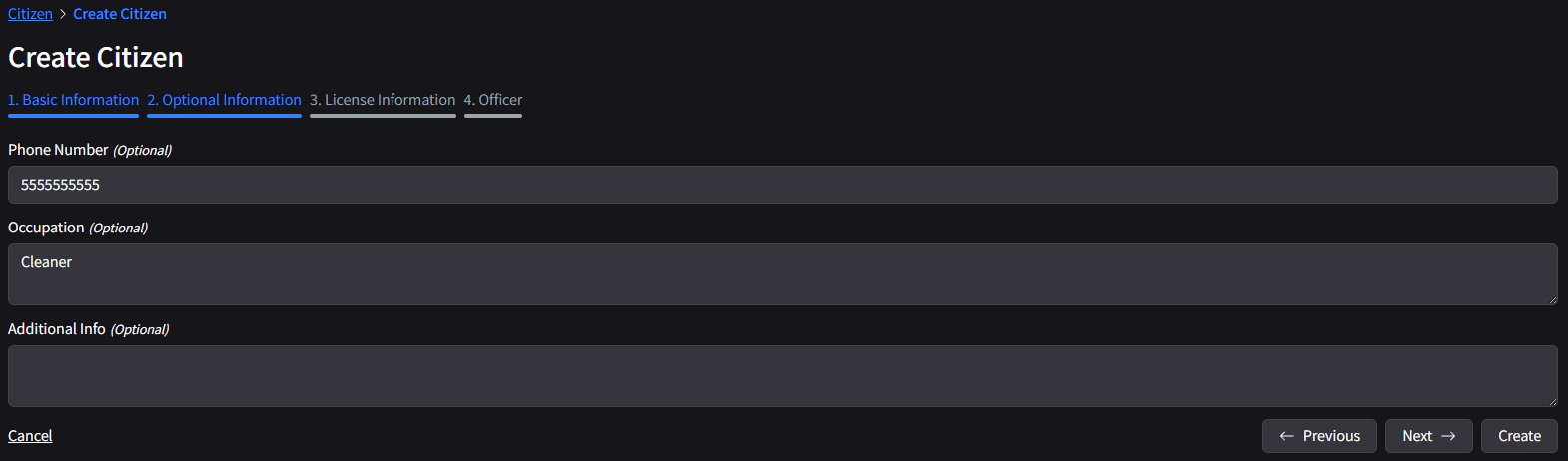
Step 5
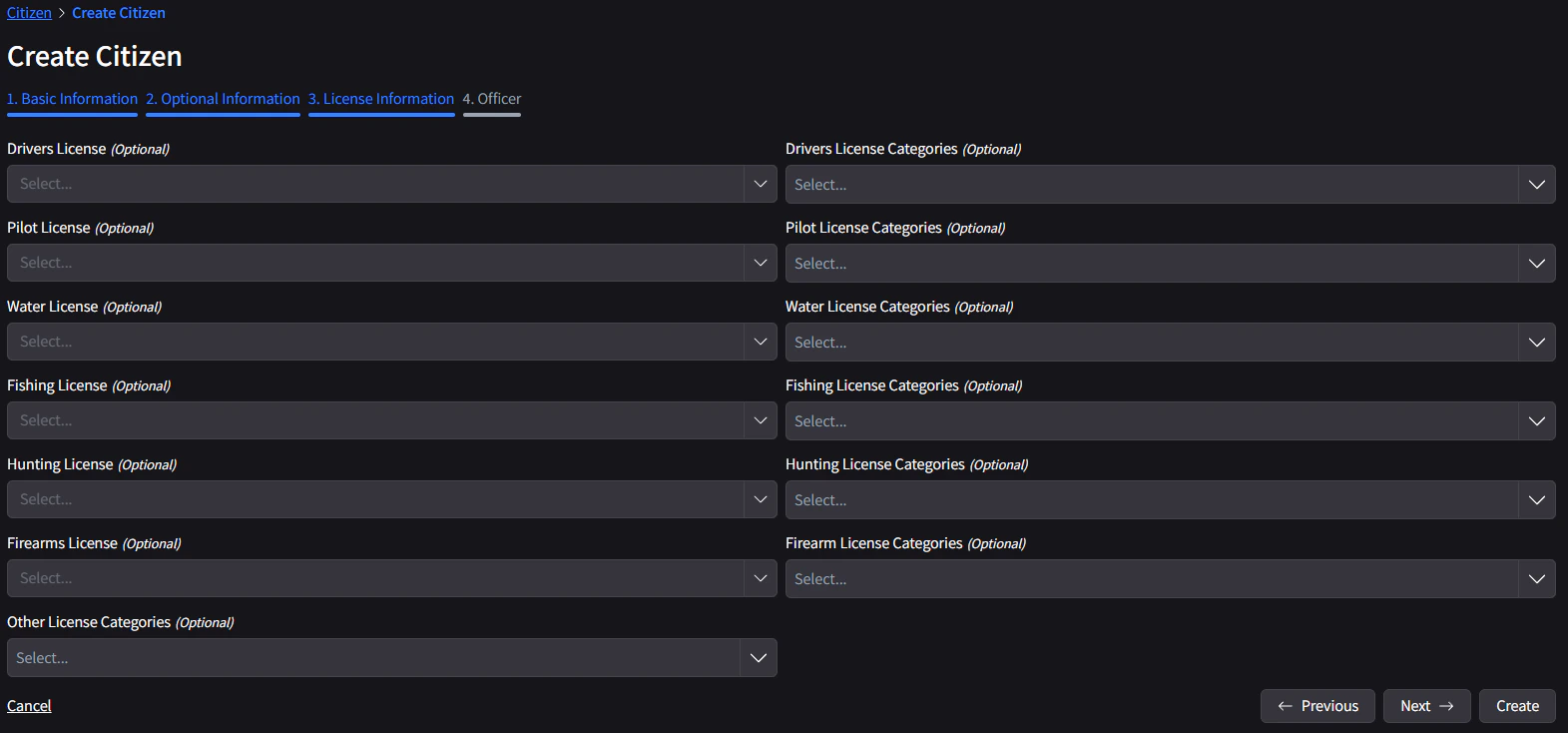
If you have created a drivers license, you can add it in here, alongside any other licenses you may have. When you’re ready, click Next.